Open the app
Open the app. Art never leaves this device. Prefer Chrome 120+ on a desktop or laptop.
To make a DTF gang sheet, add artwork, set copies and print width, choose roll or paper width, pick Grid or Super Compact, gang, then download. Long jobs may show Download · N. The layout runs in the browser so artwork stays on this device.
Design files
PNG, JPG, WebP, or SVG. Transparent PNG packs tightest.
The film on the printer
Roll presets: 13 inch, 22 inch (common), 24 inch, 60 cm, or custom width. Paper sheets: A4, A3, or 12×18.
Chrome 120+
Desktop or laptop is primary. Art never leaves this device. Large jobs may need that desktop.
Open the app. Art never leaves this device. Prefer Chrome 120+ on a desktop or laptop.
Drop PNG, JPG, WebP, or SVG. Transparent PNG packs tightest. A fully transparent file is rejected with an exact error on that file name.
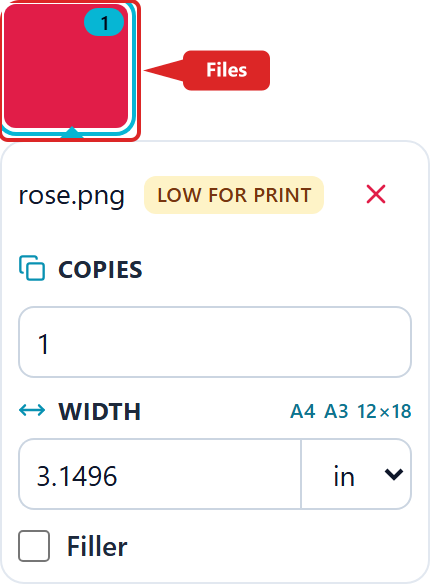
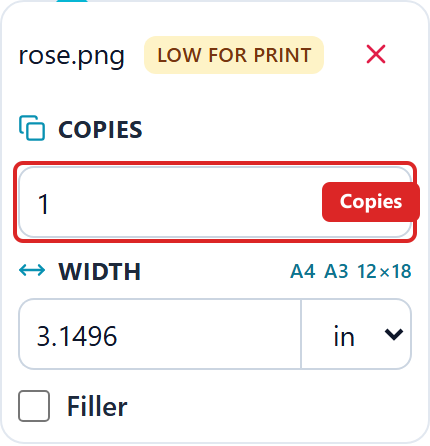
We help you set both on the selected tile. Copies is how many times that design is ganged. Width is the printed size; height follows the artwork aspect. Hover a field for a short tip.
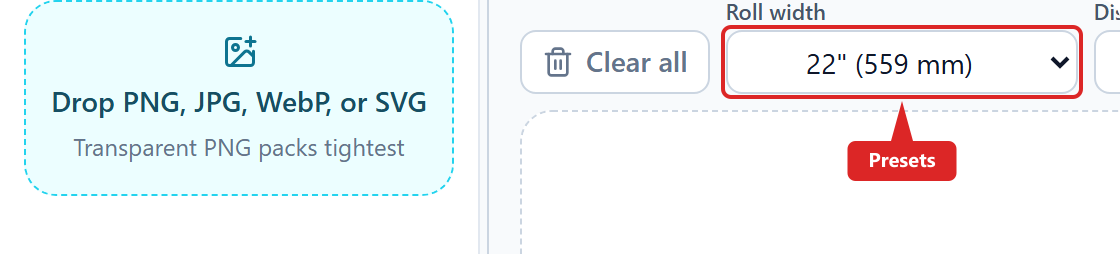
Pick 13 inch, 22 inch (common), 24 inch, 60 cm, A4, A3, 12×18, or Custom. Paper presets use a fixed sheet size. Gap is cutter space between copies. Display units only change how millimetres are shown.
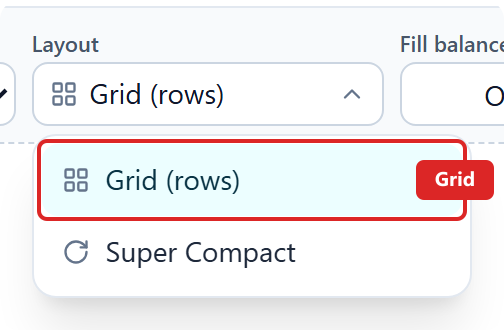
Grid keeps rows upright. Super Compact rotates copies to use less film. Start with Grid if the machine is slow.
Click Gang. We hug copies to the left (home) edge so the head travels less on printers that home left. Time saved depends on the printer. Check the preview — flip pages when the gang needs more than one sheet. Download PNG for RIP at the Export DPI you enter (300 by default), JPG for a white flatten, or SVG for CorelDRAW layers. Short jobs download one file. Long jobs show Download · N and save a folder or one ZIP (up to 10 pages). More than 10 pages, or a design taller than one sheet, stops the gang — fewer copies or a smaller print size. Finish a large page on a desktop if this device cannot export.