Gang a sheet in the browser. Signed in with no active key: five watermark-free downloads per IST month. An active DGS key is unlimited for its tenure. Signed out, or after the allowance: watermarked DEMO. Artwork is not uploaded.
How to use the app
How do I make a gang sheet?
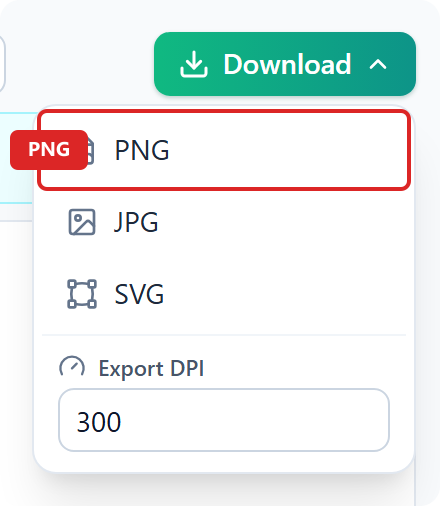
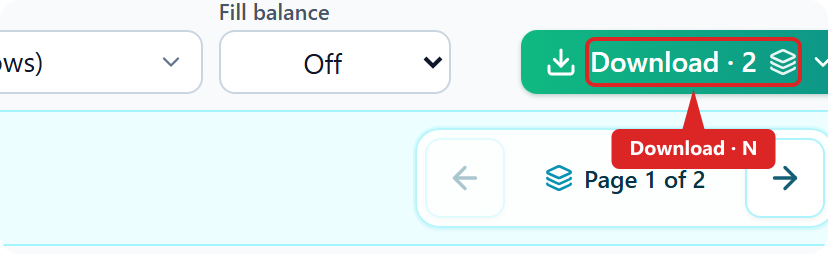
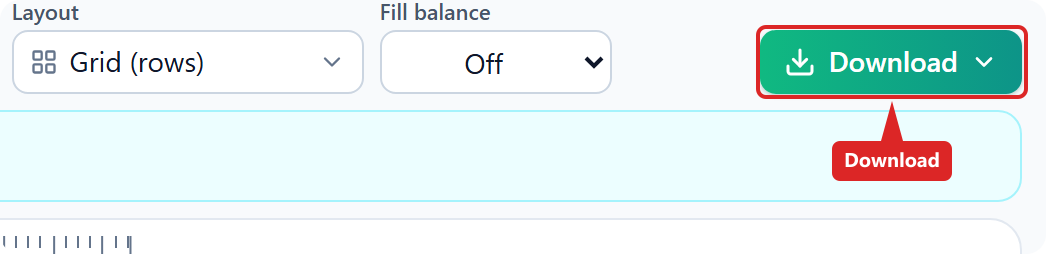
Open the app, drop designs, set copies and print width, pick roll or paper width, choose Grid or Super Compact, click Gang, then Download PNG, JPG, or SVG. Long jobs may show Download · N for multiple pages. A longer walkthrough is on How to make a DTF gang sheet.
What files should I upload?
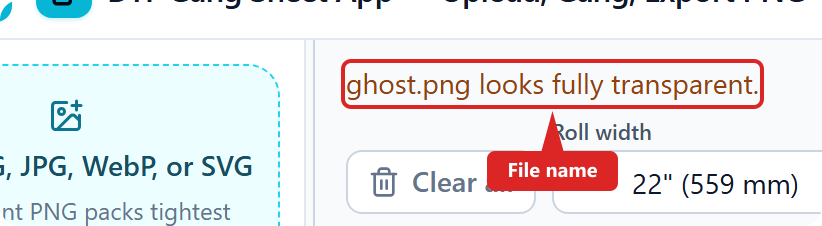
PNG, JPG, WebP, or SVG. Transparent PNG packs tightest. JPEG has no alpha. Upload trim runs automatically — there is no trim toggle. If a file looks fully transparent, the app says so by file name and will not gang it.
What do copies and print width do?
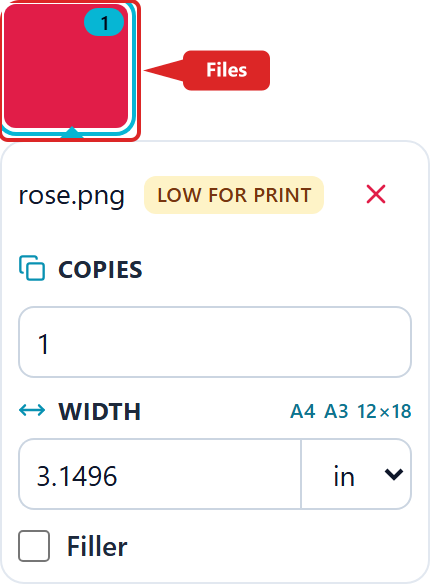
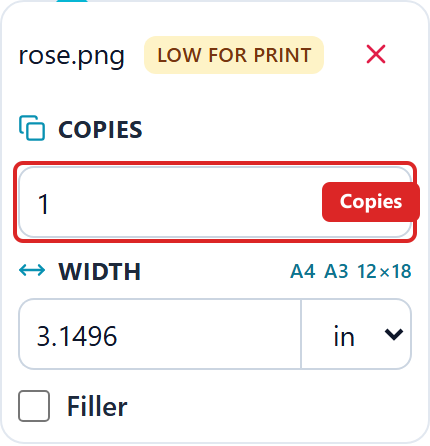
We help you set both on the selected tile. Copies is how many times that design is placed. Print width is the size on film; height follows the crop aspect. Changing either clears the last gang so you gang again.
Which roll width, paper sheet, or gap?
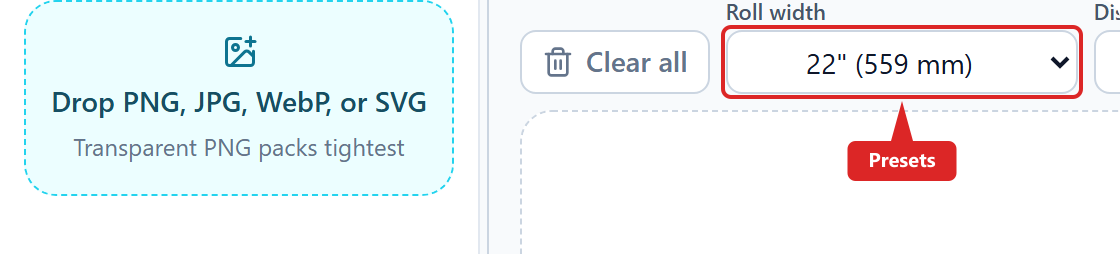
Match the film or paper on the printer. Roll presets: 13 inch, 22 inch (558.8 mm), 24 inch, and 60 cm. Paper: A4, A3, and 12×18. Custom millimetre width is allowed. Gap is empty cutter space between copies.
22 inch or 60 cm?
22 inch is 558.8 mm. 60 cm is 600 mm. Choose the width that matches the film on the printer.
Grid or Super Compact — which should I use?
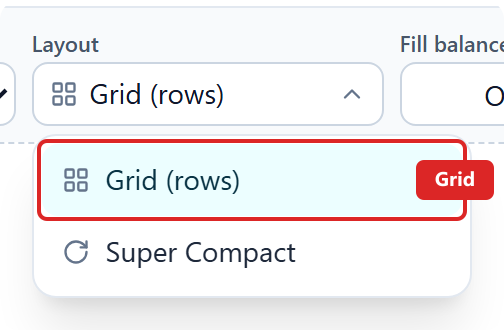
Grid lays upright rows. Super Compact rotates copies to save film. Use Grid on a slow phone or if Super Compact fails. After a failed gang, use fewer copies or a smaller print size. Finish large print-ready files on a desktop.
Super Compact is slow on this device — what should I do?
Stay on Grid if the machine is slow. Prefer Chrome 120+ on a desktop or laptop. Super Compact on a large job can take longer. After a failed gang, use fewer copies or a smaller print size.
Why are copies on the left of the film?
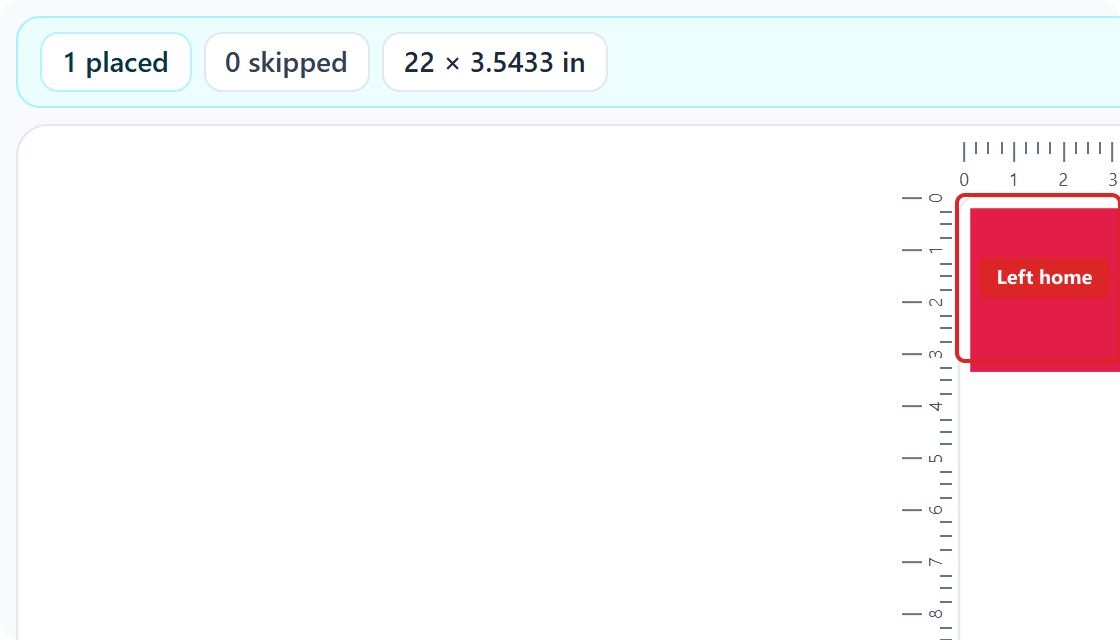
We do this on every gang to save print time. After the sheet is as short as it can be, copies slide to the left (home) edge. The print head homes there and only travels as far as ink on that pass. Film length does not grow.
What is Filler balance?
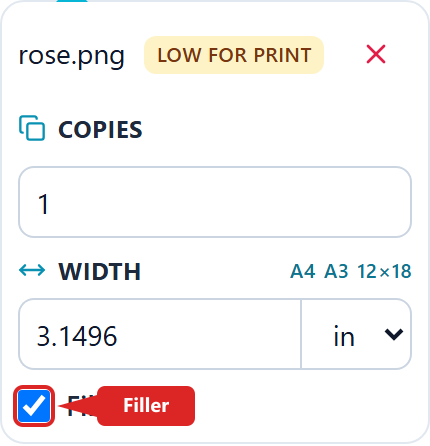
Mark a design as Filler, then choose Off, To length (pad toward a 1 m target on a single-page roll), or Pockets only. Fillers fill leftover space after the primary gang. They do not create extra download pages.
How do I download several pages?
Long jobs show Download · N and save a folder or one ZIP (up to 10 pages). Flip pages in the preview when the gang needs more than one sheet.
What if the gang is too long?
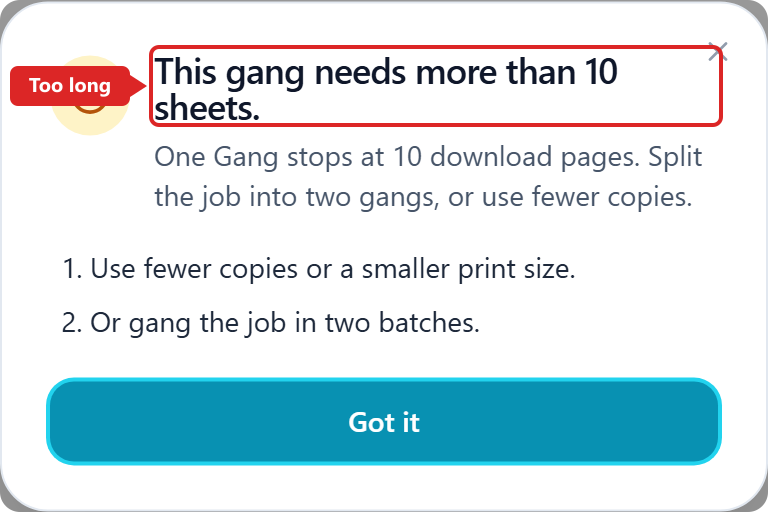
Long jobs split into up to 10 download pages. Download shows Download · N and saves a folder or one ZIP. If the gang needs more than 10 pages, or one design is taller than one sheet, the app stops — use fewer copies or a smaller print size.
What if download fails on this device?
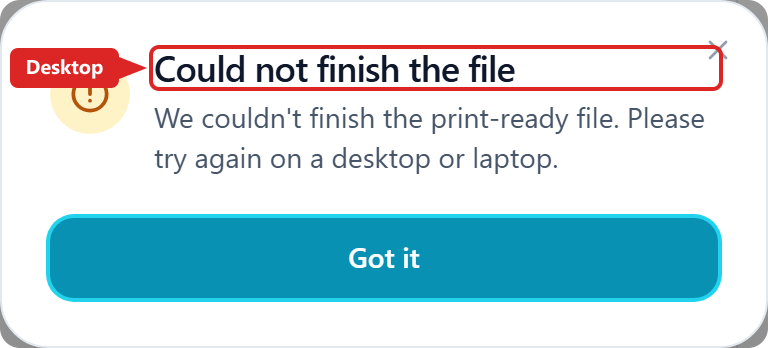
If a page is ready but this device cannot finish the file, open the same job on a desktop or laptop. Prefer Chrome 120+.
What if a file is fully transparent?
If a file looks empty or fully transparent, the app names that file and will not gang it. Check the artwork, then add it again.
Login and signup
How do I log in to the DTF Gang Sheet app?
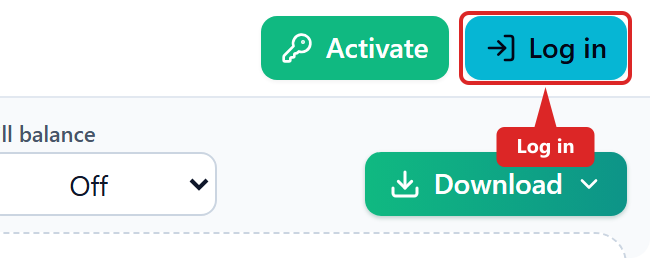
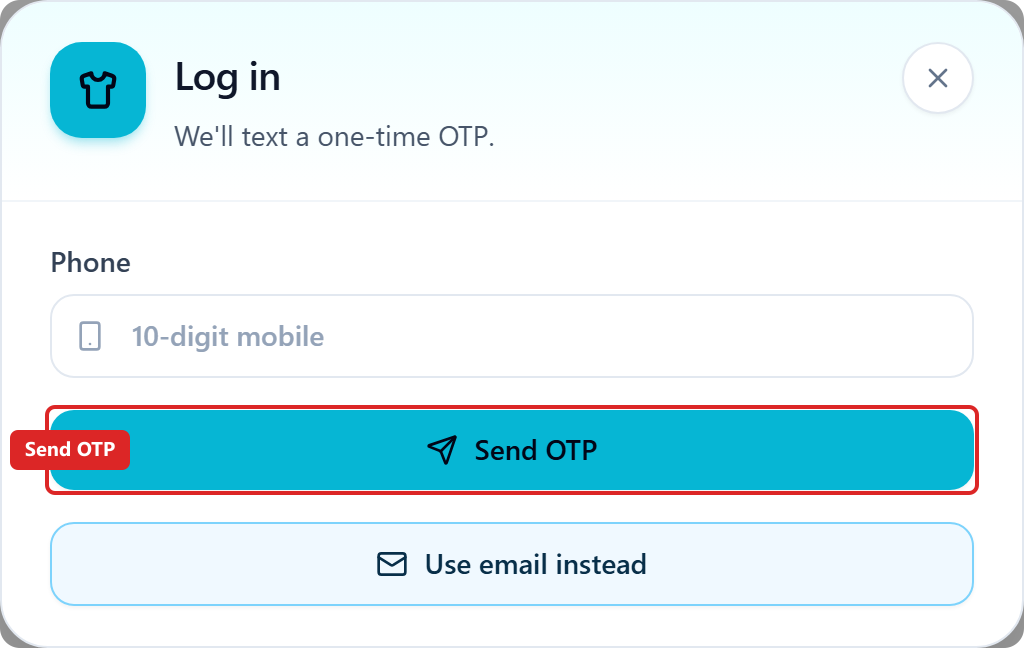
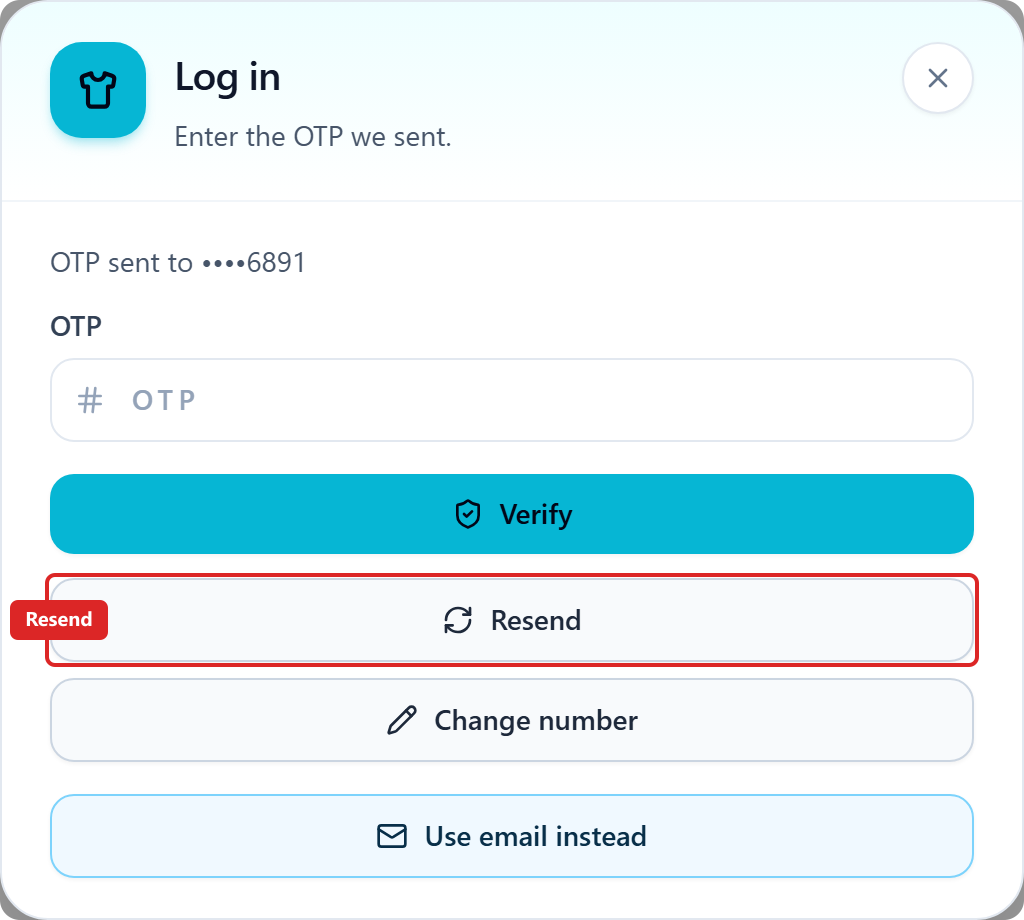
Tap Log in. The first screen is phone only: enter your 10-digit mobile, tap Send OTP, then enter the SMS OTP and Verify. To use email, tap Use email instead and enter email and password on that form. SMS and email are not on the same screen.
How do I sign in with email?
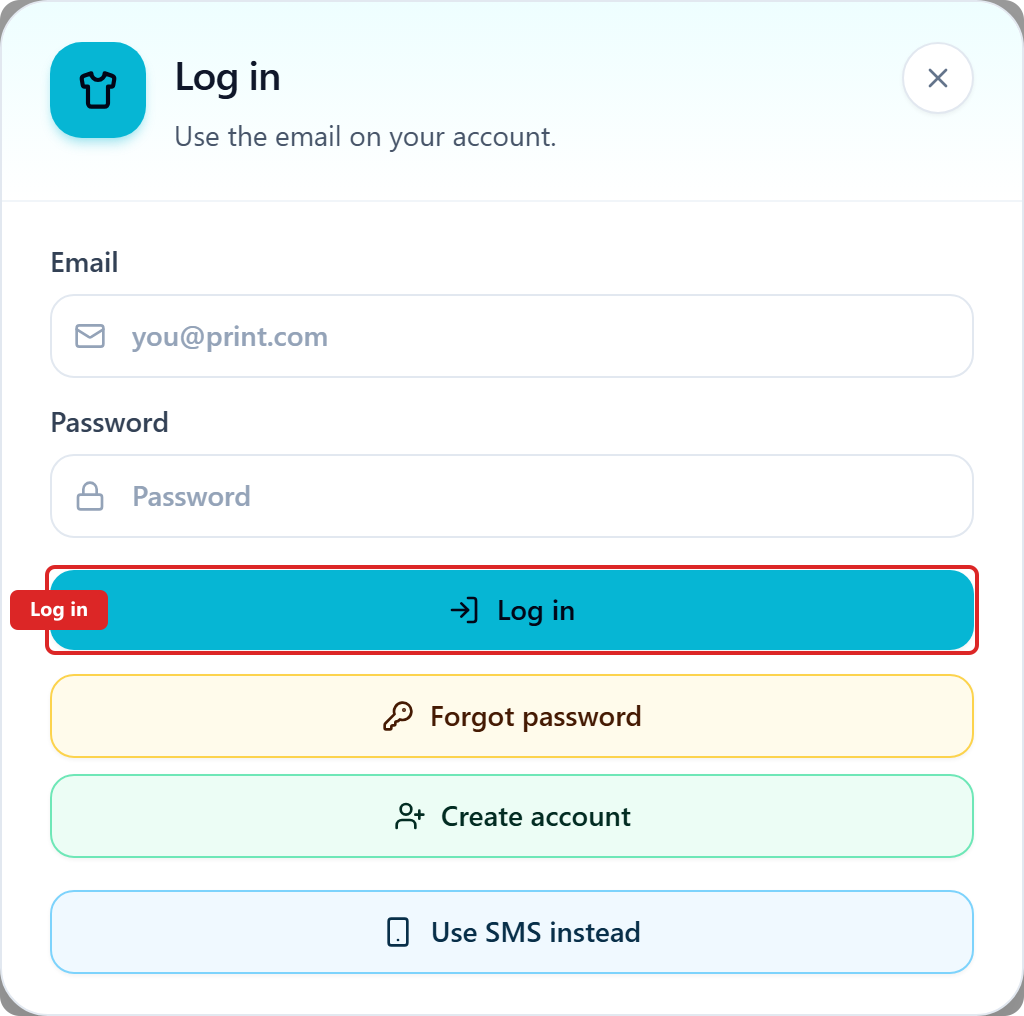
On the phone Log in screen, tap Use email instead. Enter email and password, then Log in. New buyers tap Create account.
How do I create an account?
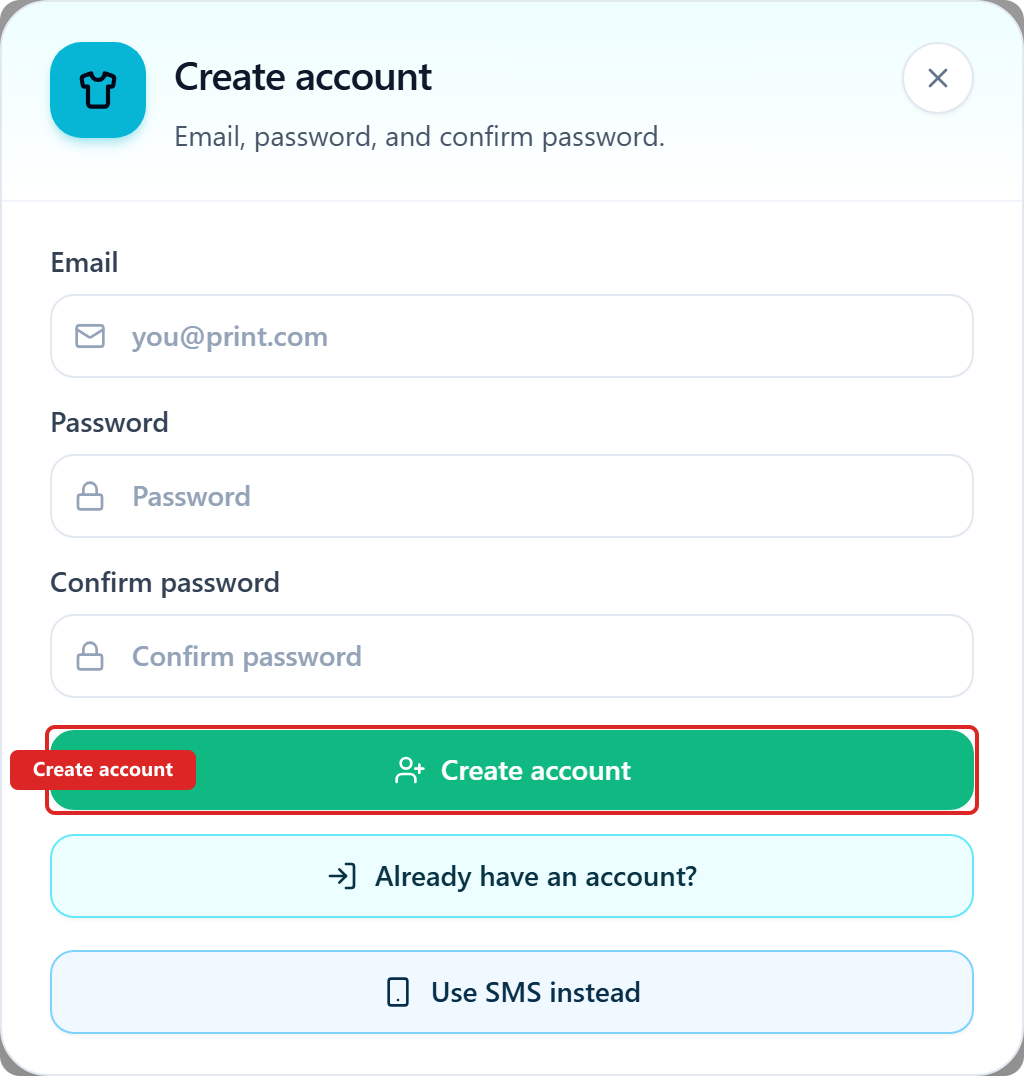
A verified phone is the account — there is no extra signup after the SMS code. For email, tap Use email instead, then Create account. That opens a separate form with email, password, and confirm password. Do not tap Log in to register.
How do I reset my password?
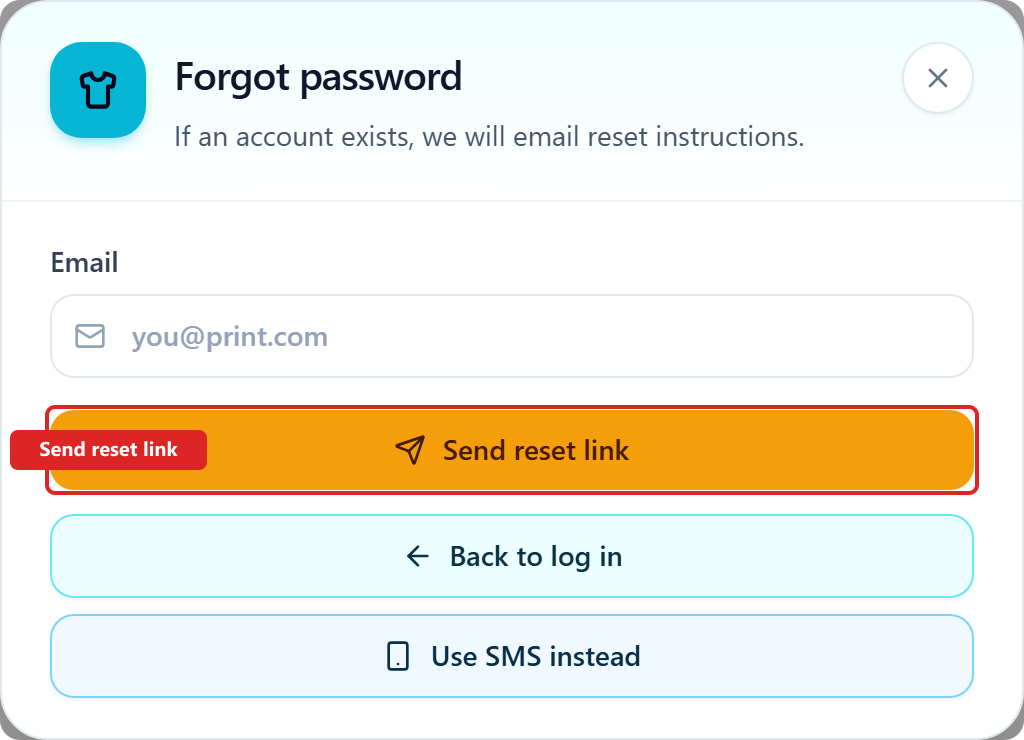
On the email log in form, tap Forgot password. That opens a separate form with email only — no password and no Create account. Tap Send reset link. If an account exists, we email instructions. Back to log in returns to email log in.
What if the SMS code does not arrive?
Wait for the resend countdown, or tap Change number if you mistyped. After two failed sends the app suggests email. After you log in, paste the DGS key in Activate if the grant is not already on the account.
How do I log out?
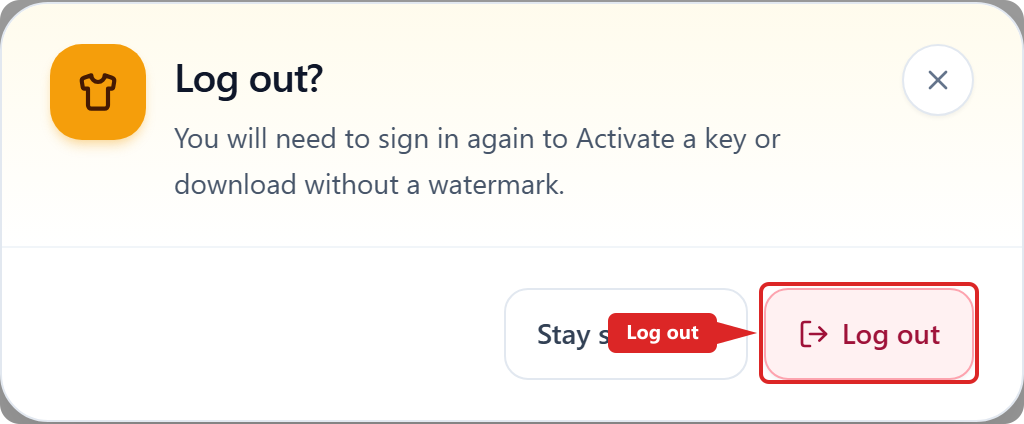
Tap Log out. Confirm in the dialog. Logging out does not void your key — log in again on this device to keep the grant.
Access and pricing
How do I activate a DGS license key?
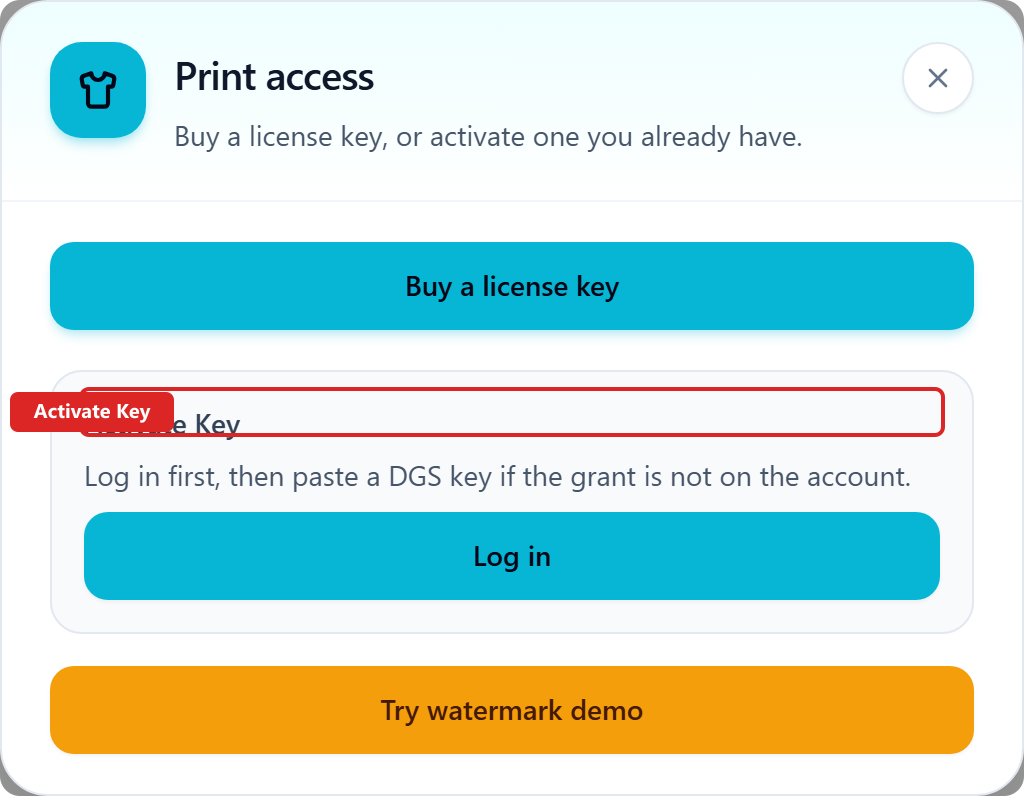
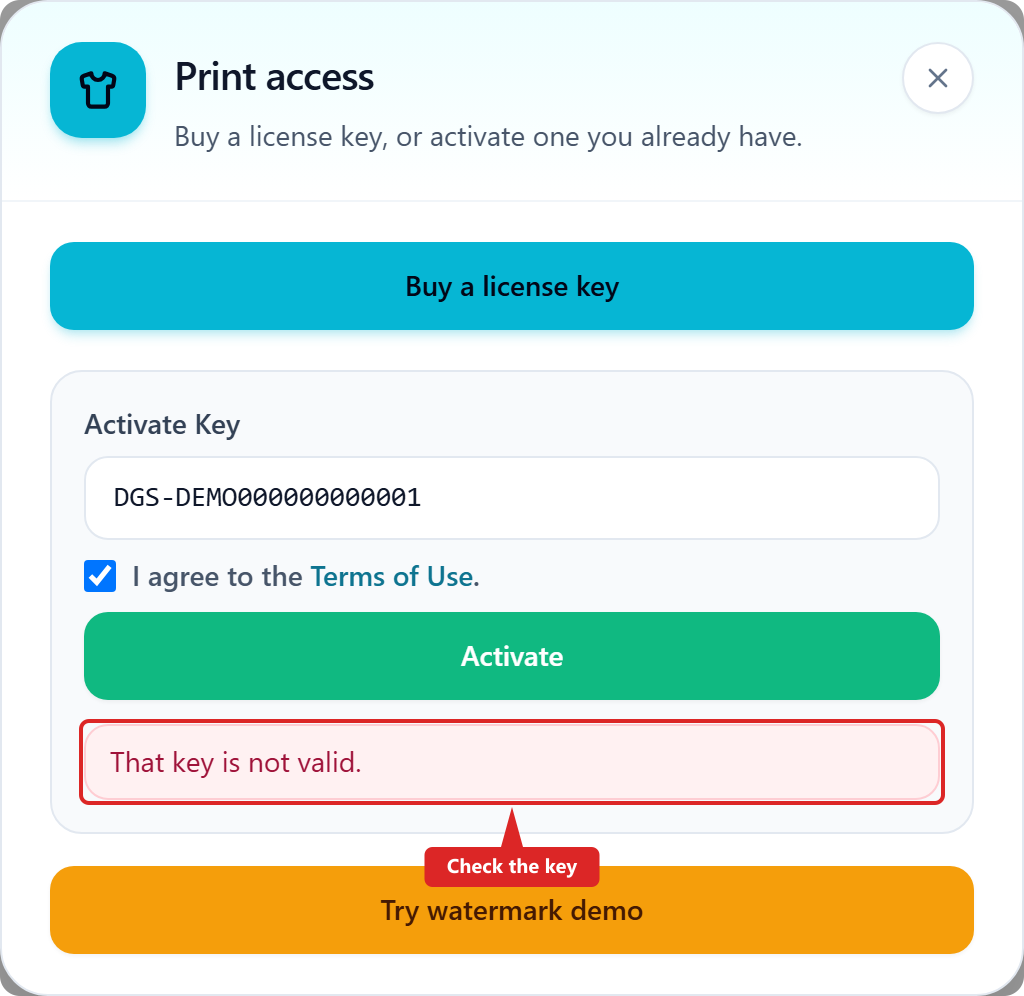
After purchase you receive a DGS key. Log in first. A matching phone may bind the key at purchase. Email does not auto-bind. Otherwise tap Activate and open Print access → Activate Key.
How do I paste the DGS key?
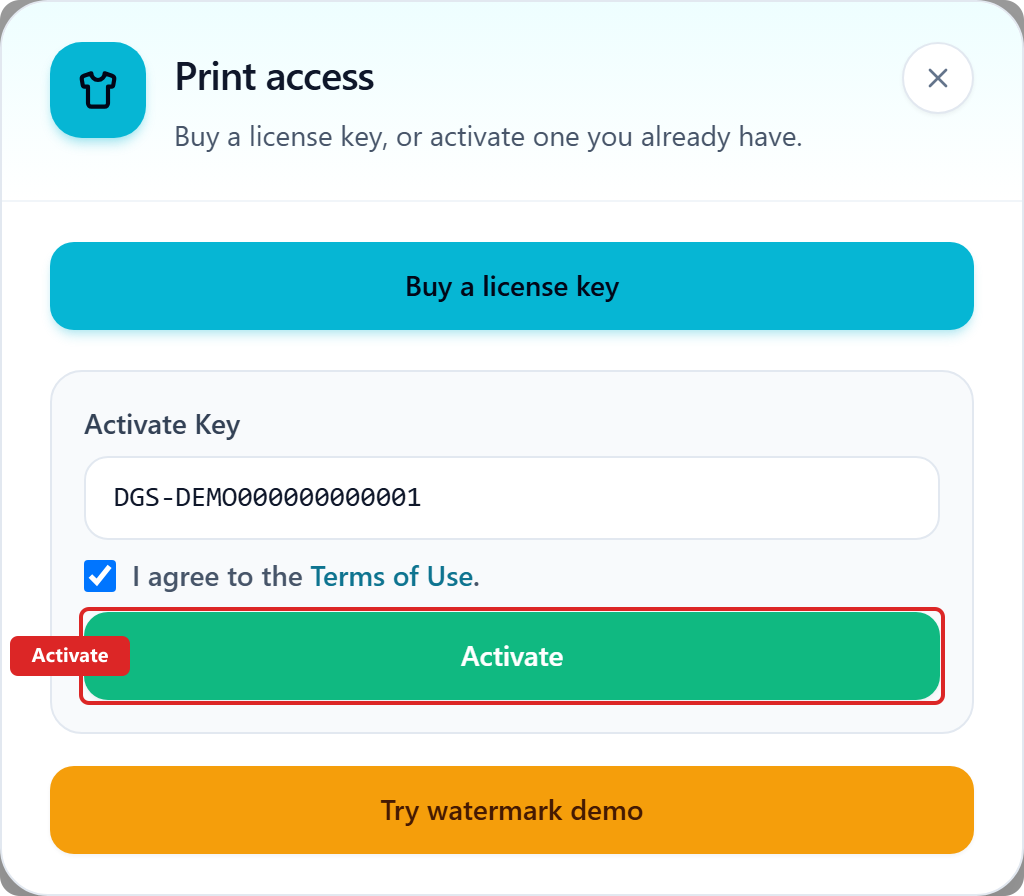
Paste the full DGS- key into Activate Key, tick Terms of Use, then tap Activate. Activating late does not add days — the end date on the key stays fixed.
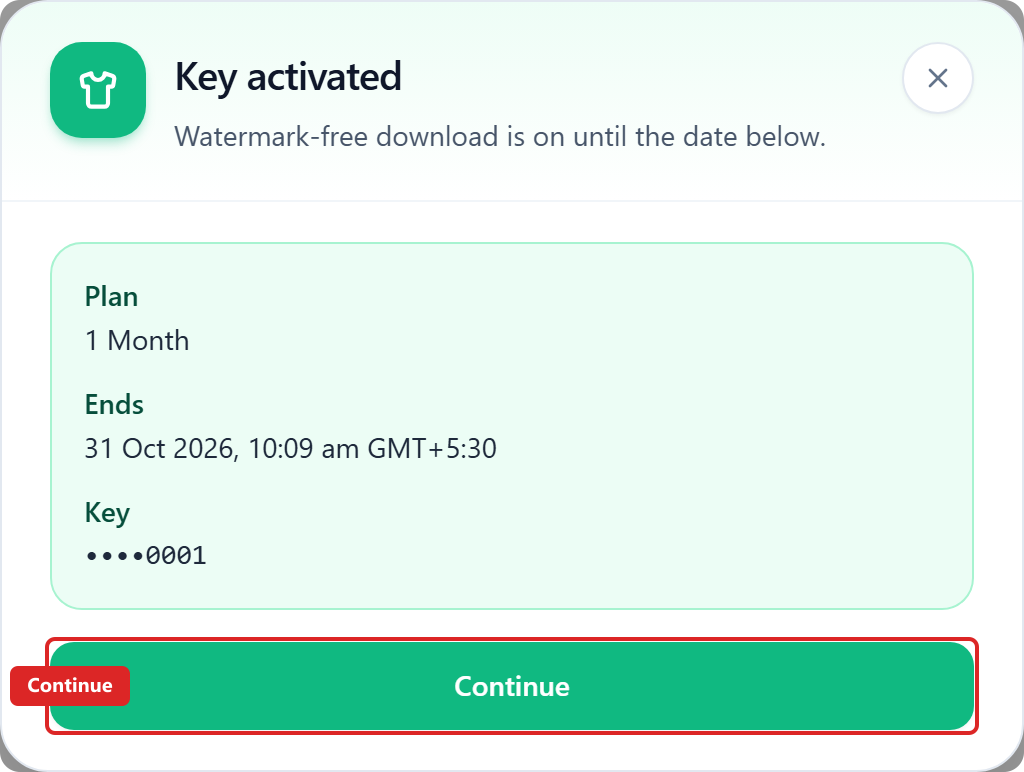
What does Key activated mean?
You will see Key activated with your plan and the end date on the key. Tap Continue — gang and watermark-free download run until that date.
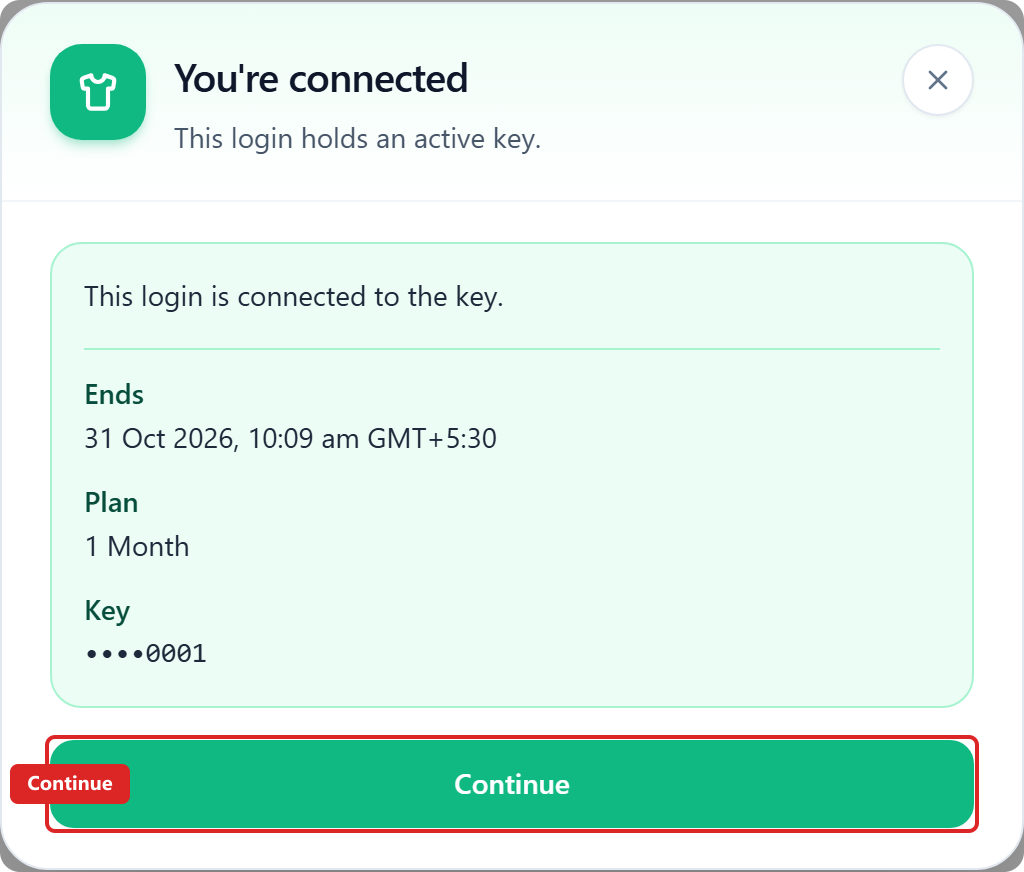
What does You're connected mean?
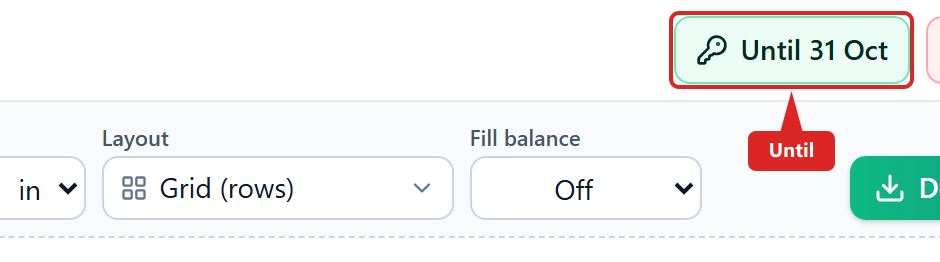
You're connected means this login already has an active grant. The Until chip shows the end date on the key. Tap Continue to gang.
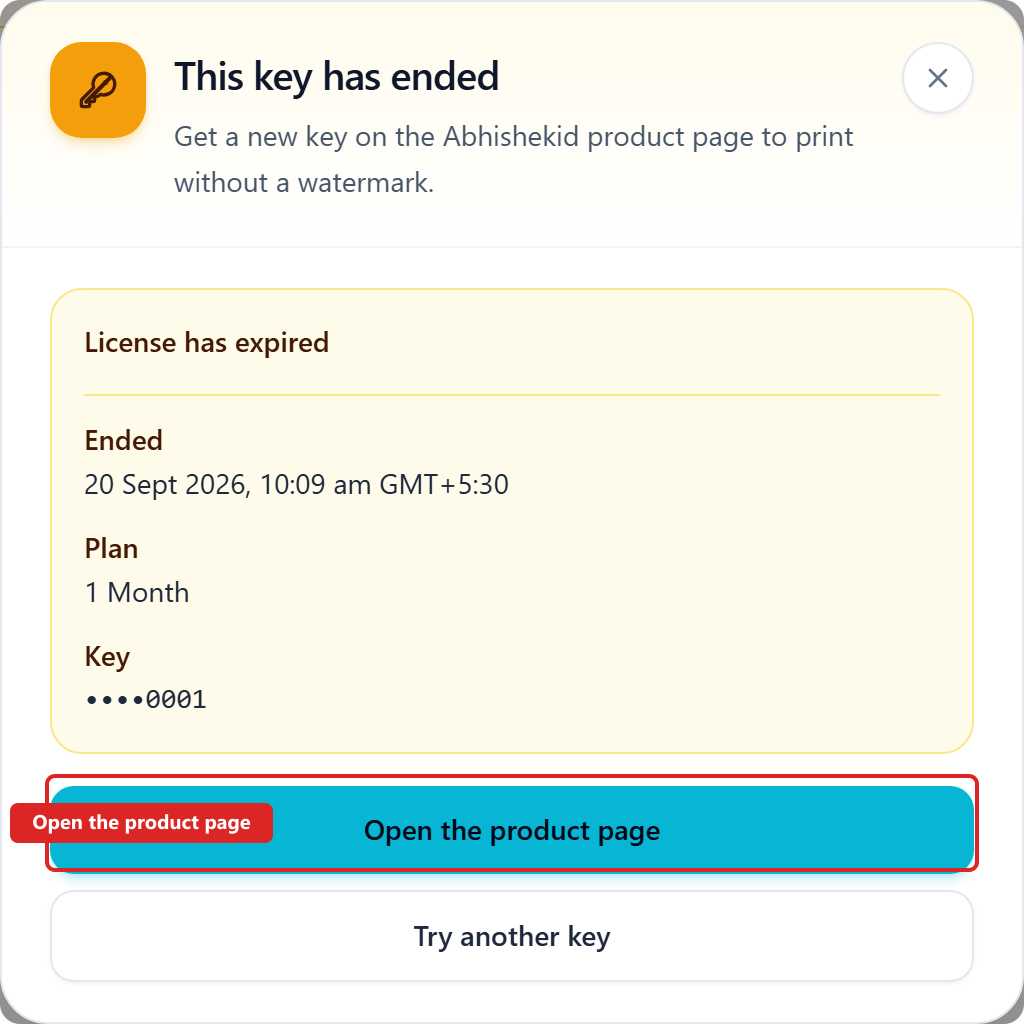
What does This key has ended mean?
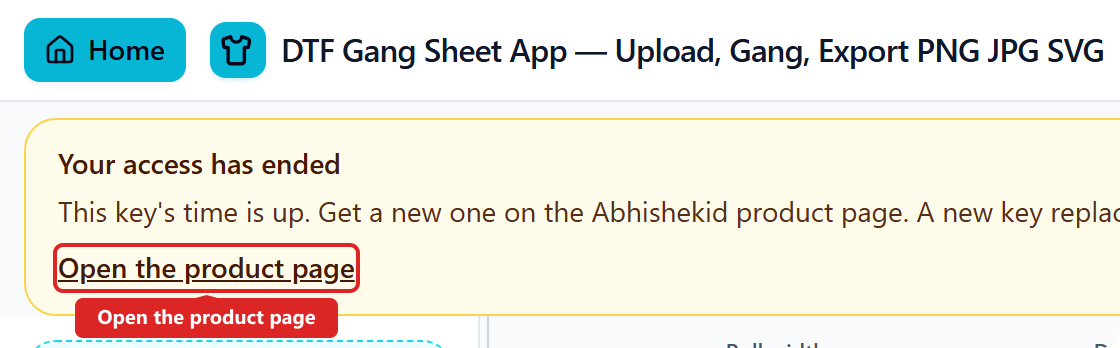
The grant on this login has passed its end date. Gang still works. Watermark-free download stops until you buy again. Tap Open the product page.
What if the key is wrong or Terms is unticked?
Paste the full DGS- key from your email. Tick Terms of Use before Activate. The app shows a short error if the key is invalid or Terms is off.
How many free downloads do I get?
Five watermark-free downloads per calendar month (IST) when you are signed in and have no active DGS key. No key is needed for this allowance. One download gesture counts as one — Download · N is one job. The counter resets on the 1st of each month. When the five are used, open the product page for unlimited access with a key, or use the watermarked DEMO.
Can I try without paying?
Yes. Gang is free. Signed in with no active key, you get five watermark-free downloads per calendar month (IST) — no DGS key needed. When that allowance is used, or if you are signed out, you can export a watermarked DEMO of every download page — the same page count as Download · N (one file, or a folder / ZIP when N is more than one). A paid key unlocks unlimited watermark-free downloads for the tenure. Hide-download is a reminder, not DRM. Art still stays on this device.
Is this a subscription?
Yes. Four recurring plans: ₹499 / 1 month, ₹799 / 6 months, ₹999 / 1 year, ₹1,799 / 2 years. Checkout is on Shopify. The app shows the end date on your key. Activating late does not add days. Staff-dated keys end at 23:59 IST on that calendar day. Older month-based keys end at 12:59 pm IST on the period date. The Until chip is the source of truth. Billing repeats unless you cancel. A new plan replaces leftover time; tenures do not stack. While a key is active, use is unlimited — the end date is the limit, not copies.
Is use unlimited on a paid key?
Yes, while the key is active. Gang and watermark-free download have no per-job limit — the registered five-per-month allowance does not apply on an active key. That keeps the shop hassle-free for the tenure. The end date on the key is the limit, not copies. Activating late does not add days. The Until chip is the source of truth.
Is the paywall DRM?
No. Hiding the unwatermarked download is a reminder, not copy protection. Paid access is an account grant plus an unwatermarked print file.
What if my key expired or was refunded?
Open the product page for a new key. We do not refund after a sale. If an order is cancelled or reversed, the key is voided. The app shows a repurchase banner; new activation replaces the old tenure. A new key’s end date does not stack leftover days.